Hands on
Working the controls
Every number in Monte is a row you can open into a slider: how to drag, type, retune the range, flip units, and read the marks a change leaves behind. · 6-minute read
Rows and sliders
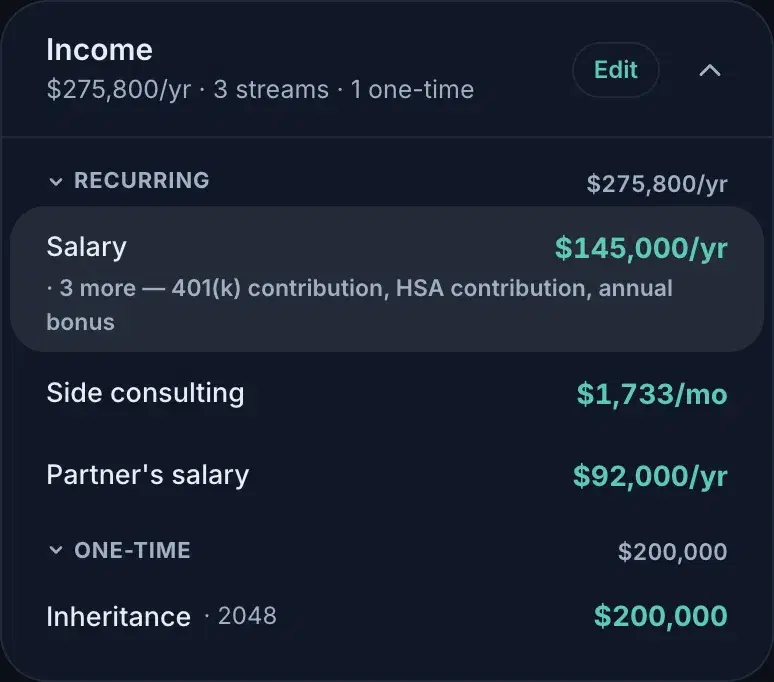
Every number in Monte is a row: the name on the left, the value on the right. Rows rest calm — hover one and its quiet controls appear; click anywhere on it and it opens into a live slider. One row is open at a time: opening another closes the first, and a click outside (or Escape) closes it too.
Typing beats dragging
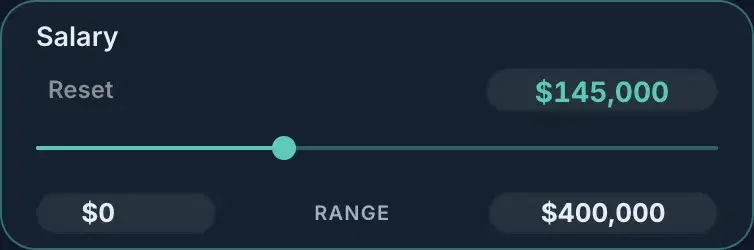
For a number you already know, click the value itself; it is an editable field, not a label. Typing accepts values well beyond the slider's current span, and the range widens itself to include what you typed. The field is forgiving mid-edit: it can sit empty or partial while you type, and settles when you leave it.
Your ranges
The two small fields under the track are the slider's own bounds; edit them to work in the region you actually care about. A narrow range means finer steps: the slider always moves in roughly a hundred increments across whatever span you give it, so tightening $0–$400K to $120K–$180K turns coarse jumps into precise ones.
One honest caveat: ranges belong to you, not to the scenario. A range you set follows that control everywhere, every plan and every scenario, because it is an ergonomic preference, not part of the model. Reset clears it along with the value.
Dollars or percent
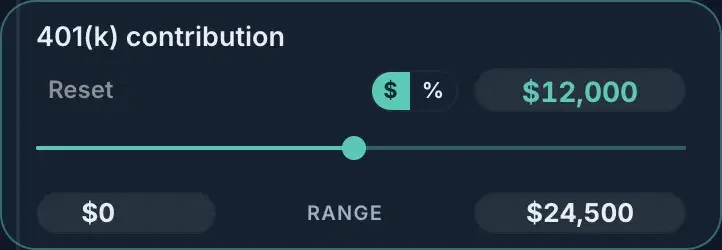
Rows with a pay base (a 401(k) contribution, an attached bonus) carry a $ | % toggle when open. It changes how you enter the number, not what the number is: $12,000 against a $145,000 salary and 8.3% are the same fact, and the value converts as you flip. The row stays open across the flip so you can keep working.
What a change leaves behind
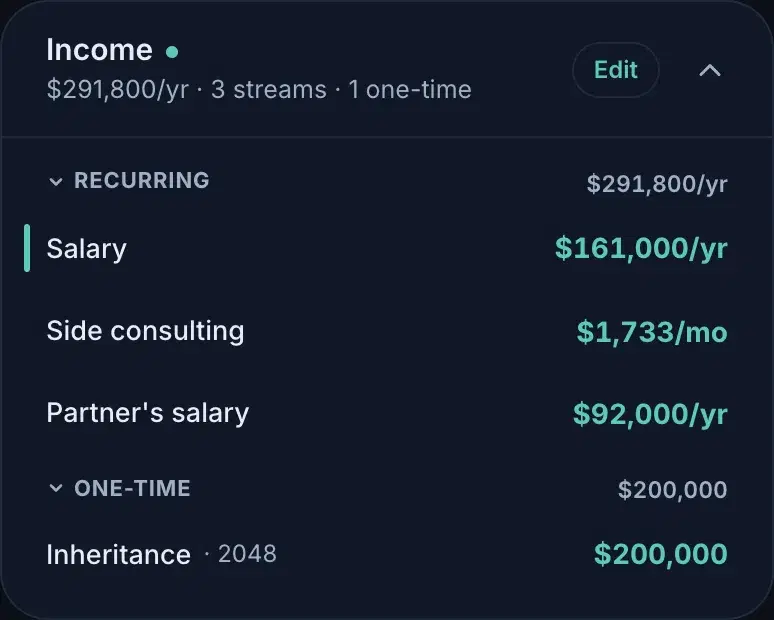
Change anything and the row grows a slim accent bar on its left edge; the card's header wears a small dot beside its title. Both mean the same thing: this differs from what Reset would restore: your last saved state. The chips up top wear a dot for the same reason, and the save bar holds everything until you keep or discard it. Nothing you do in a rail travels anywhere on its own.
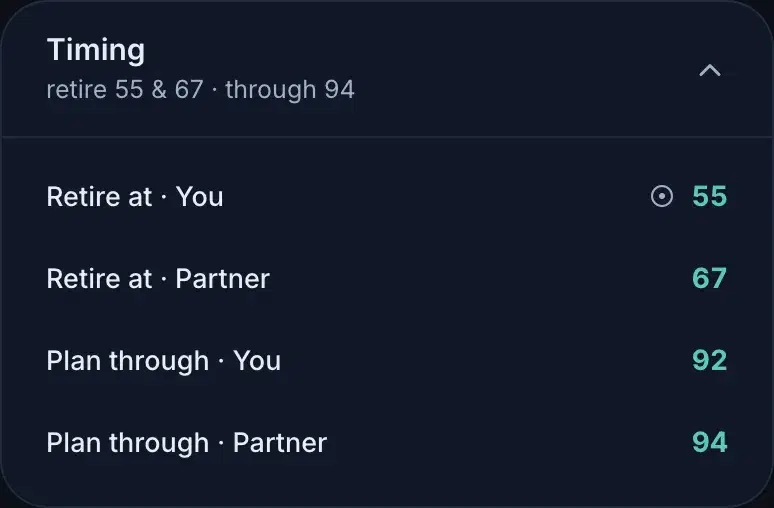
One mark means something else entirely. A ⊙ beside a value says the number came from somewhere other than the surface you're standing on. Usually that is your plan showing through a scenario: a note, not a restriction, and the row still opens into a slider like any other. But when the number comes from a scenario you're previewing over your plan, the mark is a gate: instead of a slider, the row offers to open that scenario or drop it from the preview. You change a value where it lives, which is why an edit can never quietly disappear underneath one.
Reset
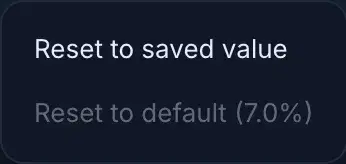
Reset restores a row to its saved value: one row, nothing else. Rows that also carry an app default (inflation, the growth-rate seats) open a small menu instead, so “back to what I saved” and “back to Monte's default” stay distinct choices. For an override row (a per-account return sitting on top of your global belief), reset to default removes the override entirely, so the row follows the global number again rather than freezing today's.
Bigger hammers live elsewhere: the save bar's Discard drops everything unsaved on the surface you're on, and a scenario's menu can reset it to its plan wholesale.