The mental model
Facts, plans & scenarios
The three layers everything in Monte sits on: what each one is for, what edits what, and why a change never travels further than you asked it to. · 9-minute read
Three layers
Everything in Monte sits on one of three layers. The Dashboard holds your facts — what is true about your money today. A plan is a whole possible future built on those facts; you can keep up to eight of them. A scenario is a question asked of one plan, a sandboxed what-if that forks the plan's forecast without touching it. Each layer feeds the next, and nothing leaks backward.
One set of facts underneath, whole futures branching from it, questions hanging off each future. Changes flow down the tree; nothing flows back up except an Add you press.
The chip bar at the top of the planner is this tree laid flat: the fixed surfaces (Dashboard, then your plan) sit left of the divider, and the active plan's scenarios line up to its right.

One thing that looks like an exception isn't. Any scenario can be laid over your plan for reading: its chip menu (⋮) offers Preview in my plan, and from then on its numbers are composed onto your plan's charts and rail so you can see them together. That is a way of reading your plan, not an edit to it: nothing is written and your plan is untouched. A composed value wears a small ⊙ on the rail; touch it and it names the scenario the number came from, and offers to open that scenario or drop it from the preview. Nothing is written unless you ask for it, and there is one way to ask: Make this preview my plan takes the mix on for real, adding each scenario in the order you stacked them. Saving & comparing covers the whole surface.

The Dashboard is facts
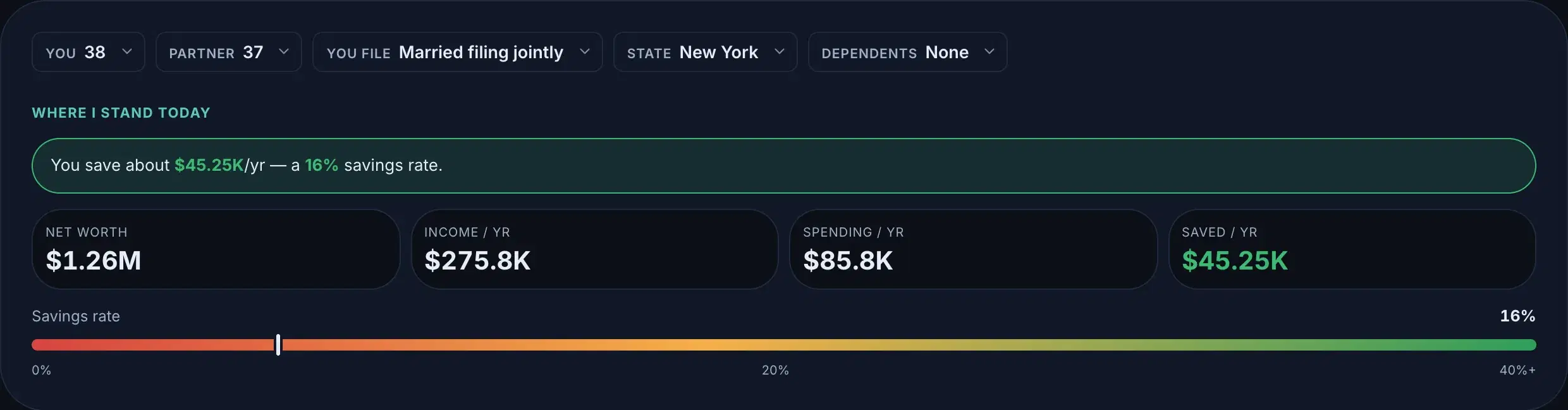
Your salary, your accounts, your mortgage, your state: facts are about you, not about any one future. That is why an edit on the Dashboard lands in every plan when you save it: a raise is true in the future where you move and the future where you stay. The one exception protects your work: a plan that deliberately disagrees with a fact (you set a different salary inside it, on purpose) keeps its own number, and the plan says so, right on its rail: “Overrides N facts”.
Because facts are today, the Dashboard’s Edit sheets ask only present-tense questions: amounts, balances, who things belong to. Start and end ages, future purchases, and other timing live on your plan, where a future belongs.
A plan is a whole future
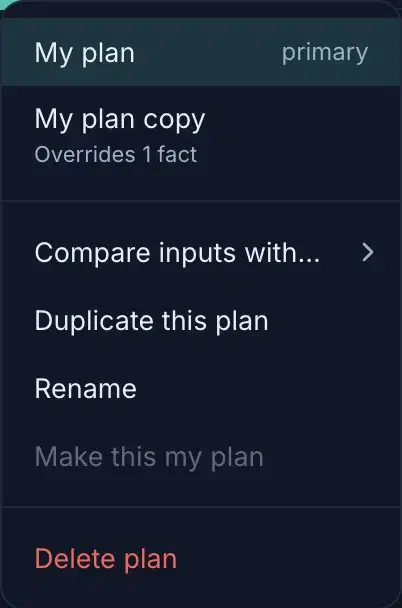
“Stay in the city” and “move near family” are not two tweaks to one plan — they are two futures, each with its own housing, income and timeline. Keep them as separate plans (up to eight), switch between them from the plans menu, and put any two side by side to compare row by row. Each plan carries its own scenarios, so “what if we retire at 55” can stay open in both futures at once.
The plans menu hides in plain sight: the plan chip is a split control. Clicking its body takes you to the plan; the small caret beside the name opens the menu: every plan as a destination, then the plan verbs.
Do you need a second plan?
Usually, no. One plan and a handful of scenarios is the right shape for most people: scenarios are cheap, reversible, and answer “what if I change this one thing” better than a whole parallel future does. Reach for a second plan only when two complete futures are genuinely competing (a different city, a different career, selling the house) and each needs its own housing, income and timeline to be honest. If a scenario keeps growing until it feels like a life of its own, its menu has the way up: Save as a new plan.
There is one more shape worth keeping, and it isn't a different life at all — it's the same life under different weather. Growth rates and inflation are plan data, so Duplicate this plan with returns dialled down gives you a lean case sitting beside your likely one: same job, same house, a stingier market. Some people keep three (a cautious, an expected and a generous) and read them as a range rather than a prediction. That is a different question from Confidence, which shakes the markets around one set of assumptions to show how much of the outcome is luck. Here you are changing the assumption itself and keeping the answer where you can compare it.
A scenario is a question
A scenario starts from a lens: a guided question with the right controls already on the rail. The lenses live today:
- ·Retire early
Stop working early: find the earliest age your money comfortably lasts a lifetime.
- ·Coast to retirement
Keep working but stop saving: find the age compound growth alone can carry you to retirement.
- ·Buy a home
What you can afford, when you’ll have the down payment, and what it does to your long-term picture.
- ·Rent vs buy
Compare renting and buying side by side on one net-worth chart.
- ·Drop to one income
One paycheck ends — weigh it against the daycare, commute and second car that end with it.
- ·Career change
Switch jobs at an age and see how a new income changes your path: stay vs switch.
- ·Save for a wedding
Size it from the guest list (plates, gifts, family help) and save without derailing your plan.
- ·Refinance
Weigh a quote against the mortgage you have: when it pays for itself, and what it really costs.
- ·Move out now vs later
Pick the month you’d move out: when you can afford to leave, and what each month of waiting buys you.
A blank + New scenario is there too, for questions that do not fit a template. Whatever the lens, the rule is the same: a scenario is a sandbox on top of its plan. Drag anything, break anything — the plan underneath does not move.
What edits what
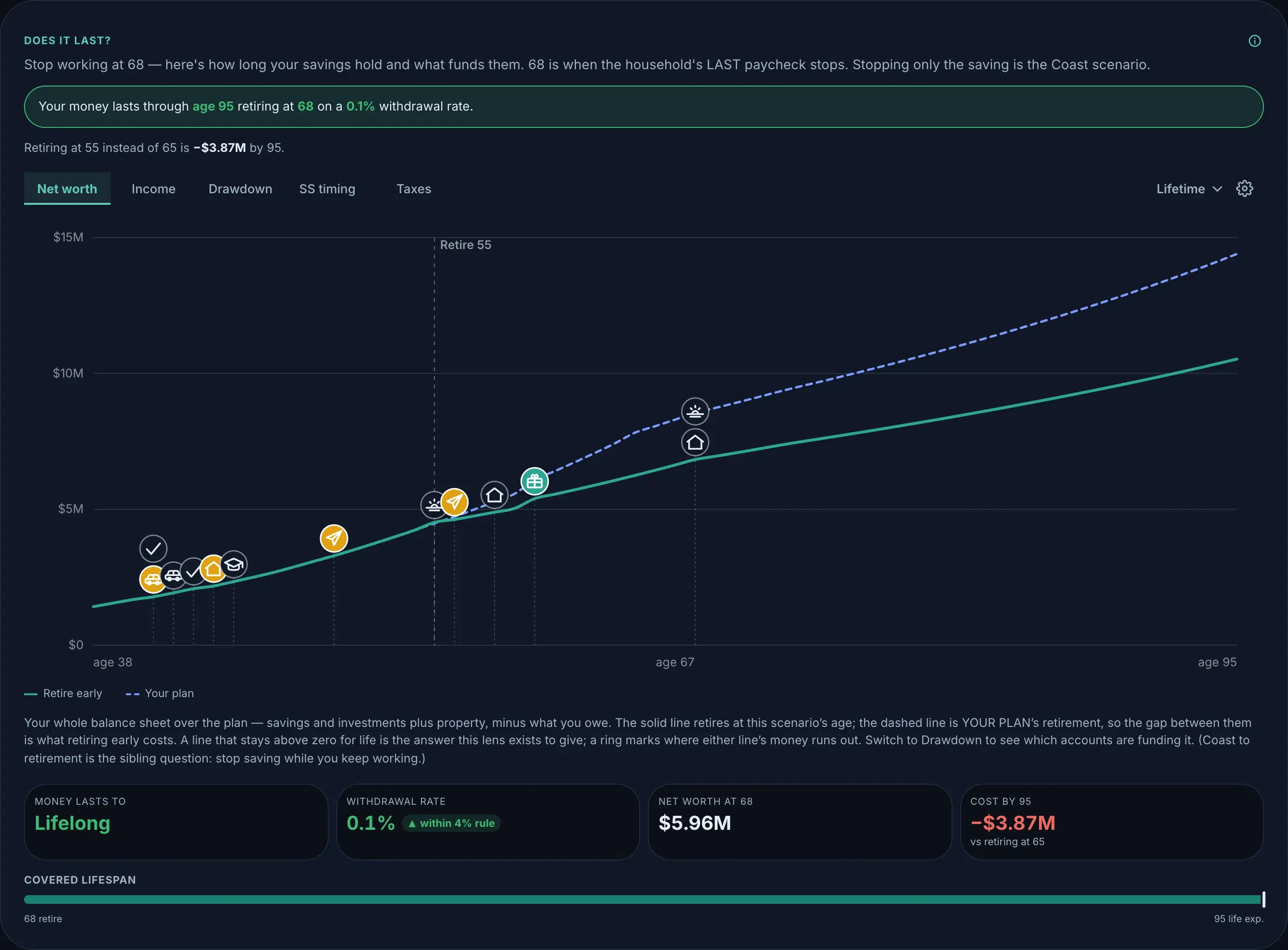
The whole permission model fits in three lines. A Dashboard edit reaches every plan, because facts are shared. A plan edit reaches that plan only. A scenario edit reaches nothing until you Add, and an Add is a one-off copy. And no edit travels at all until you save: every change, on any surface, waits in the save bar, where you keep it or discard it as a batch.
Add to plan is a one-off copy
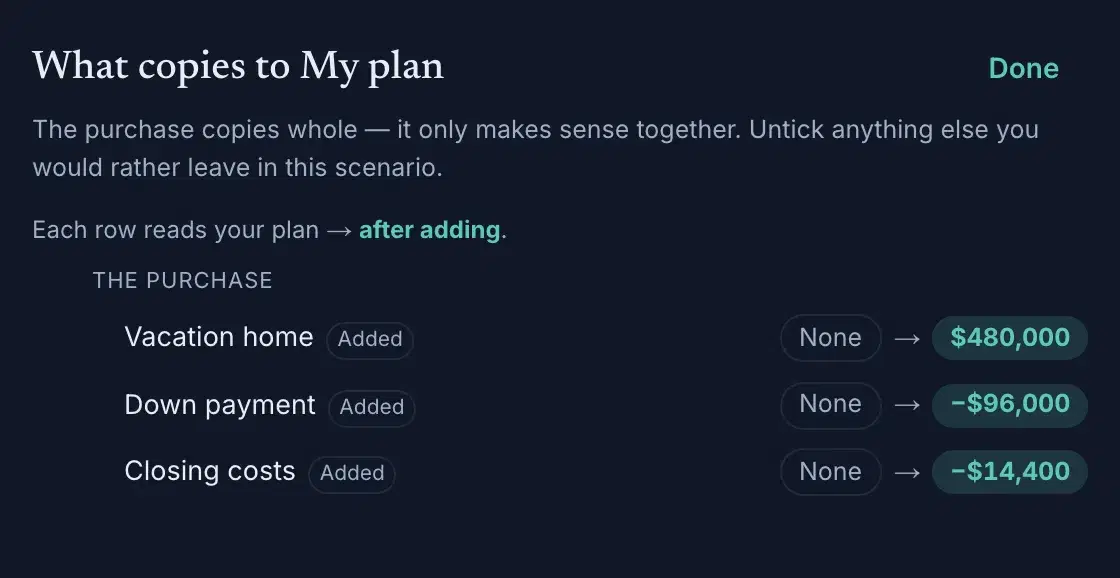
Add to plan copies what the scenario models today into the plan as ordinary data: a decision lens's rows become plan rows like any you typed, and a dial lens simply changes the plan's value: retire at 55 sits in Timing like any other fact. It copies the scenario whole: the lens's own answer plus anything else you changed in there: rows you edited, life events you added, dials you moved. Review in the dialog names every one of them, and lets you untick the extras you would rather leave in the scenario; the lens's own answer always copies, because half a decision is a different decision. The copy is one-off. The plan will not change again unless you press Add again; re-adding is the update, and the same rows overwrite in place. Keep exploring afterward and the scenario drifts freely; a save never touches the plan. The other direction is automatic: plan changes flow down into every scenario, which keeps only what it deliberately changed. Unsure about a merge? Save as a new plan in the chip's ⋮ menu creates a plan carrying the merged state: inspect it, keep it or delete it. One special case: when the rent-vs-buy lens answers “buy,” it hands you off to the buying lens, where the purchase has the controls it deserves.
Confidence
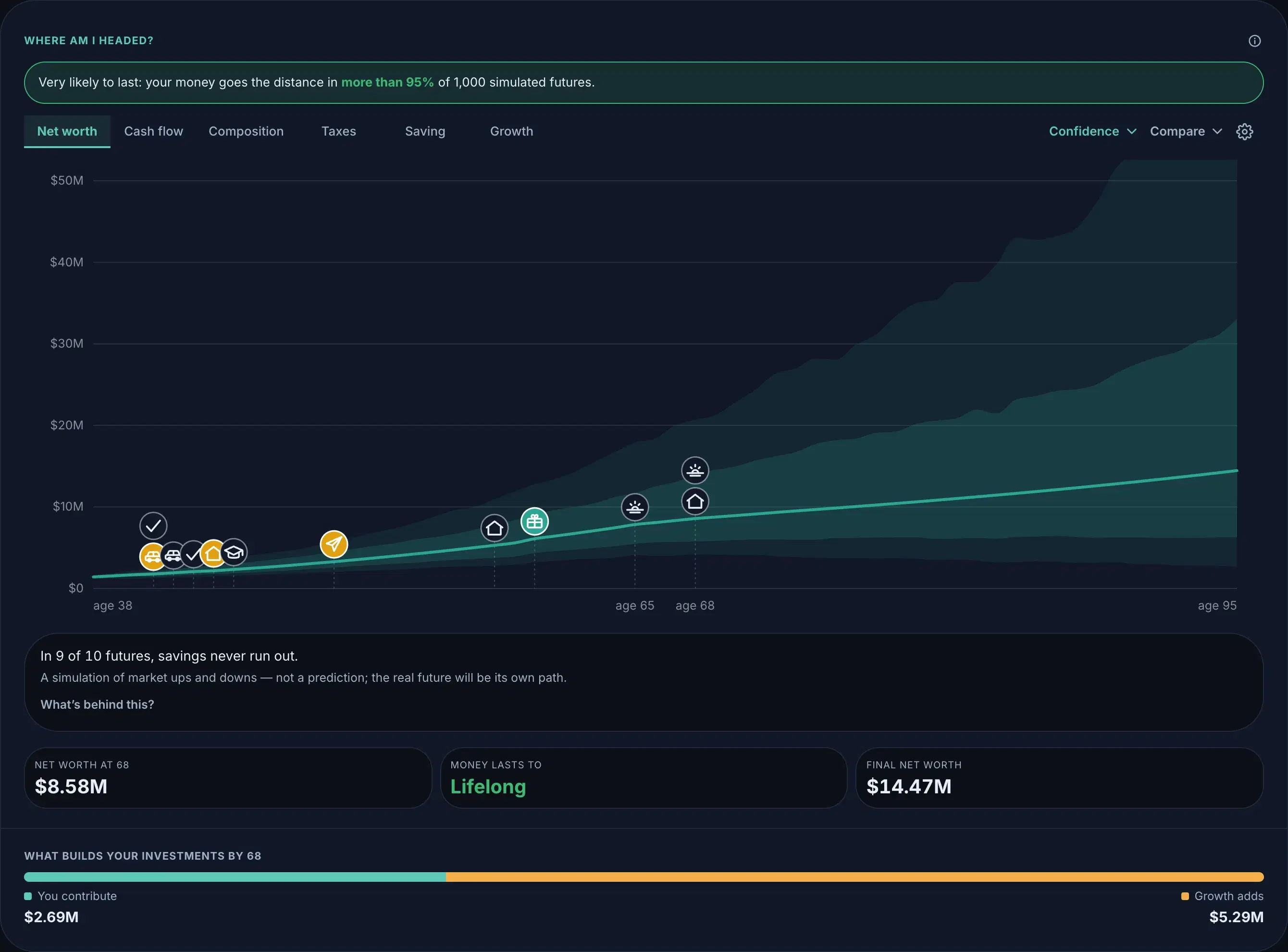
The forecast's single line is deterministic: same inputs, same line, every step of it traceable. Confidence surrounds that line with thousands of simulated market futures, so you can see how much of the outcome is plan and how much is weather. The line is the argument; the fan is the humility.
Where the tiers draw the line
The planner is free: net worth, every profile lever, the per-check paycheck breakdown, federal and state tax modeling, the 40-year forecast, the guided lenses, Confidence, up to eight plans with row-by-row compare, your saved scenarios. Plus is for planning together: invite your partner to the shared plan, with priority support, and the assistant and linked accounts at no extra charge when they launch.
Wherever this guide and the app disagree, the app is right and the guide has a bug. Tell us: hello@monte.finance.